
Colorize Black & White Photos
with AI, Free
Bring old black-and-white photos to life with realistic AI colorization. Upload a photo and get a vividly colorized version in seconds — no editing skills needed.
Drop your black & white photo here
or click to browse from your device
JPG, PNG, WEBP · Max 10 MB · 3 free/day · No signup
How AI Photo Colorization Works
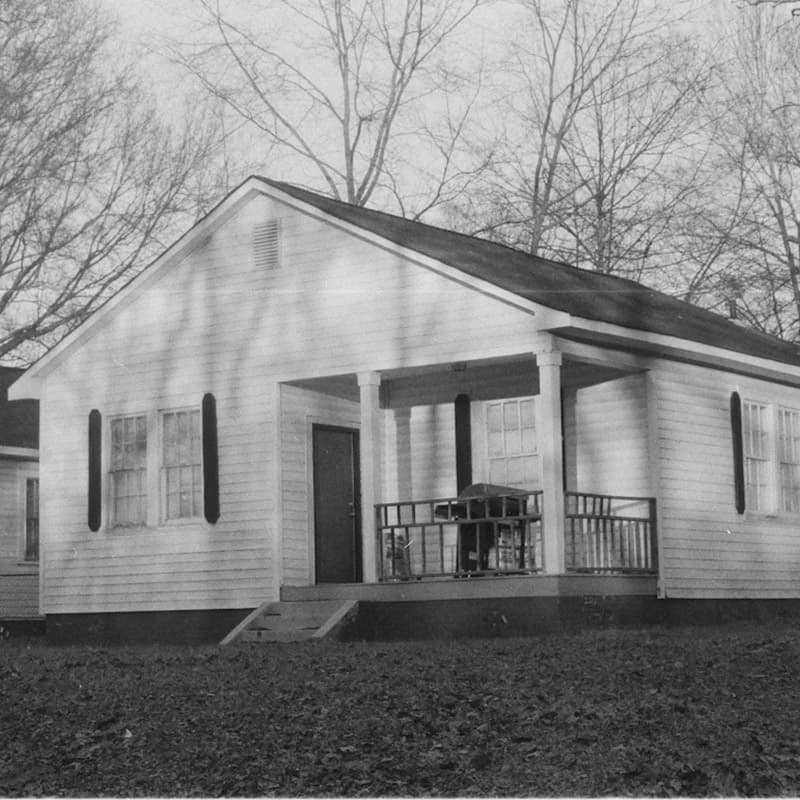
A black-and-white photo only records brightness — the color information was never captured. imgmend's colorizer uses DDColor, a Transformer-based model trained on millions of photos, to predict plausible, natural color for every pixel based on tone, texture, and surrounding context — skin tones, sky, foliage, fabric, and common objects. The result is an estimate, not a recovery of the original color, but it's usually convincing enough to bring an old photo to life.
This works best on photos that are otherwise in good condition. Heavy scratches, tears, or fading can confuse the color prediction — repair those first for the best result.
Best Used For
- Family heirlooms — bring old family portraits and snapshots back to life.
- Historical and archival photos — add color to documentary or archival images.
- Scanned film negatives — colorize black-and-white film scans.
- Gifts and prints — a colorized print makes a memorable, personal gift.
Colorize vs. Repair Scratch — Which Should I Use First?
| Your photo has… | Use this tool |
|---|---|
| Just no color — otherwise clean | Colorize (this page) |
| Scratches, creases, or tears | Repair Scratch |
| Both damage and no color | Run Repair Scratch first, then Colorize the result |
Frequently Asked Questions
How do I colorize a black and white photo for free?
Go to imgmend.com/colorize-photo — no account needed. Upload your black-and-white photo, wait a few seconds while AI predicts realistic colors, then download the result. Free for 3 colorizations per day.
How accurate are the colors?
The AI model predicts natural, plausible colors based on tone, texture, and context — skin, sky, foliage, and common objects are usually convincing. It cannot know the exact original color of something like a specific car or dress, since that information isn't in a black-and-white photo.
Can it also fix scratches or damage on old photos?
Colorization alone doesn't repair physical damage. If your photo has scratches, creases, or tears, run it through the Repair Scratch tool first, then colorize the repaired result.
Do I need to sign up or install anything?
No. Upload your photo directly at imgmend.com and download the result — no account, no email, and no software installation required.
Is my uploaded photo private?
Yes. Photos are processed to generate your result and are not stored or shared. See the FAQ page for full details on data handling.